How to Switch Between Fast and Deep Thinking During Practice
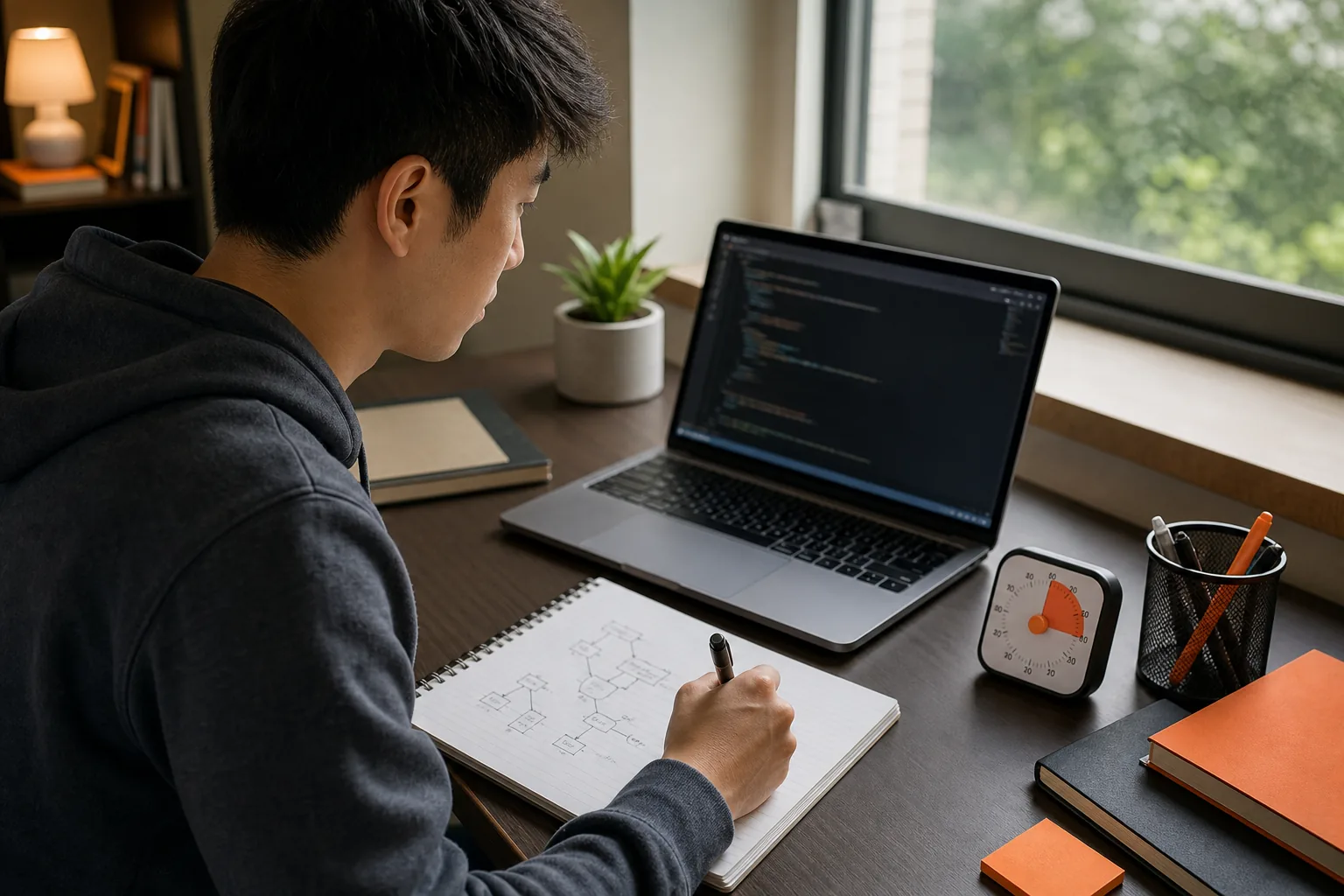
Learn how to switch between fast and deep thinking during practice with timed drills, untimed problem work, reset cues, and mock interviews.
Your brain can get stuck in sprint mode or slow analysis. Learning how to switch between fast thinking and deep thinking during practice starts with clear cues, not guesswork. Use a quick first pass to sketch an approach, then pause on purpose to test it, improve it, or recover when you hit a wall.
We analyzed 29 comments and questions from YouTube, Reddit and Quora about switching between fast and deep thinking and found that 24% mentioned difficulty keeping up with thoughts.
Table of Contents
- Step 1: Recognize When to Think Fast or Go Deep
- Step 2: Alternate Untimed and Timed Practice Reps
- Step 3: Use a Problem-Solving Routine to Switch Modes
- Step 4: Reset When You Get Stuck or Start Rushing
- Step 5: Rehearse the Switch in Mock Interviews
- FAQ
- Conclusion
Step 1: Recognize When to Think Fast or Go Deep
Fast thinking helps you get moving. Deep thinking helps you check whether you’re moving in the right direction. In a coding interview, you need both. The skill is noticing when to change gears.
Think of fast mode as your first pass. Read the prompt, name the likely shape of the problem, and sketch a basic approach. For a list of numbers that needs a pair adding to a target, you might first think of checking every pair. That gives you a starting point you can explain.
Deep mode starts when you test that idea. Ask what happens with duplicate values, an empty list, or a very large input. Then look for a better method, such as tracking values you have already seen. You’re no longer trying to produce an answer as quickly as possible. You’re checking the answer’s limits and trade-offs.
A useful shorthand for this shift is quick, intuitive thought versus slower, more deliberate thought. Those labels are a model, not two literal brain switches.
Give yourself a cue for changing modes. Use “I have a first idea” to move into a check. Use “I’ve been stuck for a minute” to stop and rethink. During interview prep, a timer can cue a shift too. The key is making the cue clear enough that you don’t have to debate whether it’s time.
For a closer look at when to use a quick first pass in an interview, see when to use fast-thinking mode in interviews.
Step 2: Alternate Untimed and Timed Practice Reps
Untimed practice builds understanding. Timed practice teaches you to make decisions while the clock is running. If you only use one style, you miss part of the skill. A strong routine includes both, with a specific goal for each rep.
Begin an untimed rep when you’re learning a new pattern or fixing a recurring error. Work through the prompt without racing. Say what you know, draw a small example, and trace your logic by hand. If you choose a brute-force method first, explain why it works before you search for a faster one.
Then repeat the problem under a time limit. Keep the same steps, but set a modest checkpoint: by a chosen point, you should have a working plan you can explain. The exact time depends on the exercise. Pick a limit that adds pressure without making the rep a speed contest.
Try a two-rep cycle. First, solve without a clock and write down the key insight you missed or nearly missed. After a short break, solve the same prompt on a timer. During that second rep, use the note as a cue, not as a script. If you can explain the key idea and still check an edge case, your thinking is getting more flexible.
Keep a simple log after each attempt. Record where you changed your plan, what caused the change, and what you’ll watch for next time. A cue such as “timer reaches midpoint” can tell you to check your progress. A cue such as “I’m patching the same bug again” can tell you to pause and trace the code.
Use a coding interview pacing routine with checkpoints to make timed reps easier to review. The goal is not to finish every problem. It’s to learn when you sped up too soon or stayed in analysis too long.
When a pattern is new, spend more sessions untimed. Once you can explain it without help, add timed repetitions. Keep the untimed work in your schedule so speed doesn’t replace understanding.
Step 3: Use a Problem-Solving Routine to Switch Modes
A routine gives your attention somewhere to go. It also prevents a common trap: typing before you know what the code needs to do. Use the same sequence on practice problems until each part feels familiar.
- Restate the task. Say what the input is and what the answer should contain. Ask about a detail that changes the solution, such as whether the input can include duplicates.
- Sketch a first approach. Name a simple method before you optimize. For a pair-sum problem, explain the direct check of each pair. This is fast mode: get a workable idea into words.
- Check the cost. Estimate how the method grows as the input gets larger. State the time and memory cost in plain language, then decide whether it fits the prompt.
- Look for a better path. Ask what work repeats. For pair sum, a set of seen values can help you check for the needed match as you scan the list.
- Test before coding more. Trace a small example. Include a case that could break your assumption, such as repeated values or a target made from the same value twice.
The change from sketching to checking is the point of the routine. It gives you practice adjusting your thinking as demands change. Explore a discussion of this idea.
Use the routine in system design too. Start with a quick outline of the service and its main request path. Then slow down to check load, failure points, and what data needs to persist. In a behavioral round, draft the story fast, then go deep on your own actions and the result. The surface changes, but the switch stays the same.
After each rep, identify one step where you rushed or stalled. Don’t rewrite your whole method after one miss. Adjust one cue, then try it again on another problem.
Step 4: Reset When You Get Stuck or Start Rushing
When you’re stuck, doing more of the same often makes the code harder to reason about. Make a reset cue before your next practice session. For example: “If I’ve tried the same fix twice, I’ll stop typing and trace one test case.” That gives you a specific next move instead of another hurried edit.
Use this short reset:
- Take your hands off the keyboard.
- Exhale slowly and look away from the code for a few seconds.
- State the exact problem in one sentence.
- Trace one small input by hand.
- Choose one test or change that can confirm your next idea.
This is a brief attention reset, not a cure for every block. It creates a pause so you can see whether the bug is in your assumption, your example, or the code. If you’re practicing with a timer, stop it during the reset only when the drill is meant to build understanding. During a mock interview, practice recovering without stopping the clock.
Also notice the sign that you’re rushing. You may be typing without explaining your plan, skipping a dry run, or changing several lines at once. Pick one signal that you tend to miss. When it appears, say what you’re checking before you touch the code again.
During mock sessions, Phantom Code AI can listen and transcribe the interview, recognize problem types, and provide real-time guidance. Use guidance as a prompt to check your own reasoning, not as a replacement for practicing the reset yourself.

Step 5: Rehearse the Switch in Mock Interviews
Solo drills teach the moves. Mock interviews teach you to use them while someone is waiting for your answer. Practice the switch out loud, because silent problem-solving can hide the moment you’ve lost your thread.
For a coding mock, ask a partner to give you one problem. Start by restating it, then share a quick approach. Before you code, name one assumption you need to check. As you work, talk through the reason for each major choice. If a new test breaks your plan, explain the change before you make it.
Use two clear signals during the mock. Say “I have a baseline approach” when you’re ready to move from fast exploration to analysis. Say “I’m going to trace this case” when you need to slow down and verify. These phrases help your partner follow your reasoning, and they give you a repeatable way to shift gears.
For system design, make the opening outline brief. Then spend more time on the part the prompt stresses, such as data flow or a failure case. In a behavioral mock, first name the situation and your task. Then slow down to explain what you did and what changed because of it. Don’t try to sound polished at the cost of clear cause and effect.
Phantom Code AI is another option for mock practice. Its desktop assistant listens and transcribes, and it can provide real-time guidance. It has two thinking modes you can switch between mid-round in one click: Fast Think for under-pressure DSA questions, and Deep Think for system design and tricky algorithms. Practicing that switch mirrors the cue work above. You can use the guidance to notice a missed check or a point where you rushed. For learning, pause afterward and solve a similar problem without prompts. That last step shows whether the cue has become your own.
After each mock, write down one moment when you switched well and one moment when you didn’t. Look for a pattern across sessions. Perhaps you rush as soon as you see a familiar structure, or you keep polishing a slow approach instead of comparing alternatives. Next time, rehearse the cue that addresses that exact moment.
Over time, your goal is not to think slowly all the time. It’s to move between a quick first idea and a careful check when the problem calls for it.
FAQ
How do I practice switching between fast and deep thinking?
Practice a quick first approach, then use a set cue to pause and test it. For example, sketch a brute-force method, then check its time cost and trace an edge case. Repeat the problem untimed first, then try it on a timer. After each rep, note what caused you to switch modes.
When should I stop coding and think more deeply?
Stop when you’ve repeated the same fix, found an edge case your plan can’t handle, or can’t explain why the code works. Take a brief pause and trace a small input. If the idea still holds, continue. If it doesn’t, revise the plan before making more edits.
Does timed practice make you think faster?
Timed practice can train you to make choices within a limit, but it doesn’t replace learning the underlying patterns. Use untimed reps while you’re still working out why a method works. Add a clock once you can explain the approach, then review where time went and what made you hesitate.
How can I avoid panicking when I get stuck in an interview?
Choose a reset action before the interview: stop typing, state the blocker, and trace one small example. Say what you’re checking so the interviewer can follow your reasoning. In practice, rehearse that action while a timer is running. The aim is to return to a clear next step, not to hide the pause.
Conclusion
Build the switch into every practice session: sketch quickly, then pause to test, improve, or reset. Start with one problem today. Set a clear cue for when you’ll slow down, and review whether you followed it. Phantom Code AI can support mock practice with transcription and real-time guidance, but keep doing reps without prompts so the thinking routine becomes yours.